The Bitfinex Mobile App puts our cutting-edge platform at your fingertips. You can take measures to ensure that your Bitfinex Mobile App is more secure.
How to secure the Bitfinex Mobile App
1. Set up a unique PIN Code
When configuring your account mobile application, you will be requested to create a PIN Code. To create a PIN Code, enter four memorable numbers and click on the Save button.
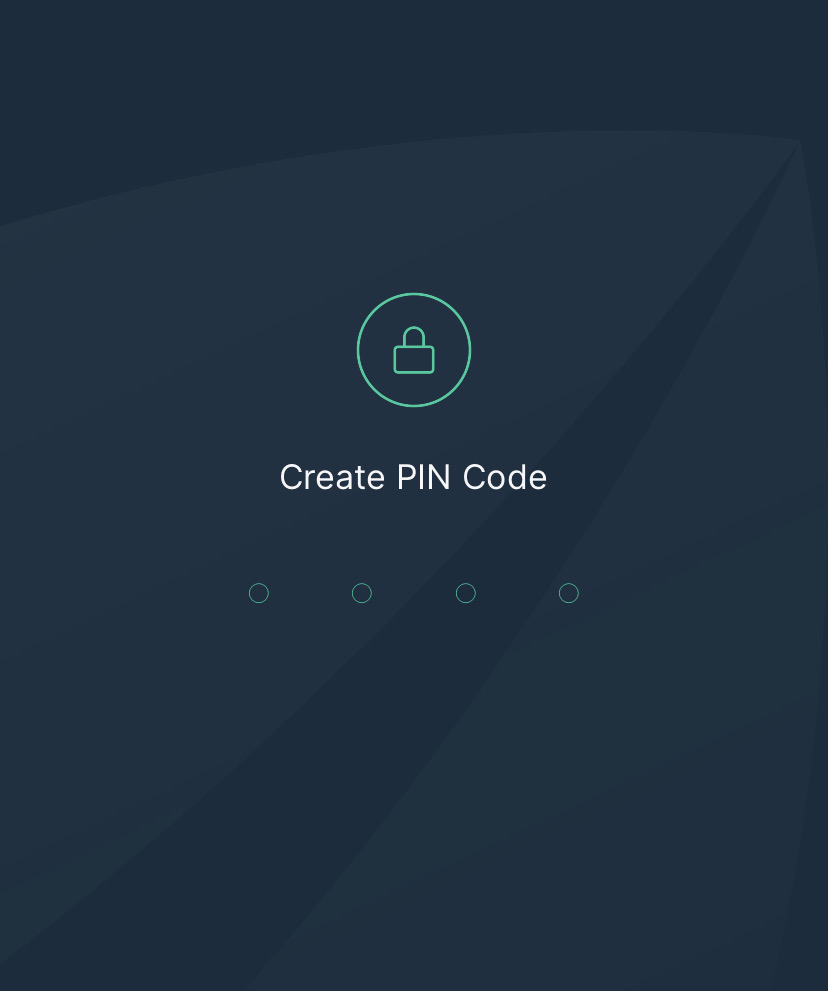
Important: To ensure additional security, you should set the PIN Code to be distinct from the smartphone lock screen code.
You can later access this information on Account > Login Settings.
Note: Under App Protection on Login you can set a timeout to your PIN Code.
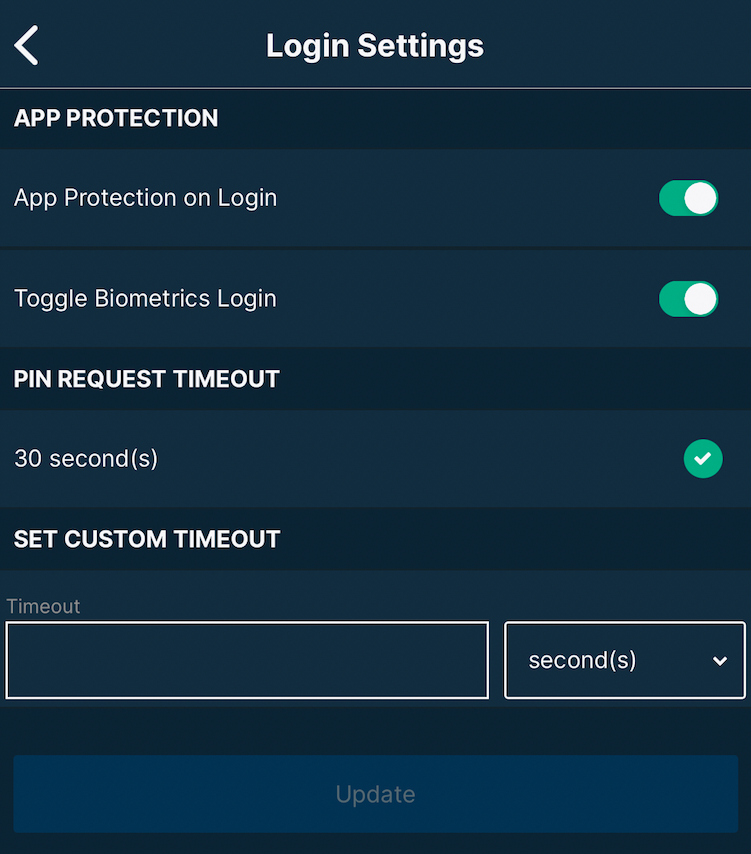
If you wish to change your PIN Code you can navigate to Account > Change PIN.
Note: Once set up, depending on the model of your phone, you can also enable a biometric security option that uses facial recognition or fingerprints to authenticate the login.
2. Whitelist a Withdrawal Address
You need to whitelist withdrawals to predetermined addresses or disable currency withdrawals to keep your account safe. Furthermore, it is advised to lock all addresses for all currencies that you do not use for increased protection.
If you have the necessary permissions for the API that you've configured for your Bitfinex Mobile App, you can whitelist an address via Account > Address book. Alternatively, you can learn to whitelist your withdrawal address using a browser by visiting this page.
Important: Furthermore, it is suggested that you read and adopt Best security practices on Bitfinex.
How to secure a Bitfinex account on a stolen device
- Firstly, log in to your Bitfinex account on a browser to change the password and revoke the API keys linked to your Bitfinex Mobile App.
For further information, you can refer to the How to reset/change your Bitfinex password article. However, if you cannot log in, you can freeze your account by using this link: https://setting.bitfinex.com/freeze.
Note: Freezing your account will suspend withdrawals and trading.
- To ensure that your account is safe from unauthorised activities, you should contact Bitfinex Support for further assistance.
If you have any questions, please feel free to reach out to Bitfinex Support. We are happy to assist you through this process!